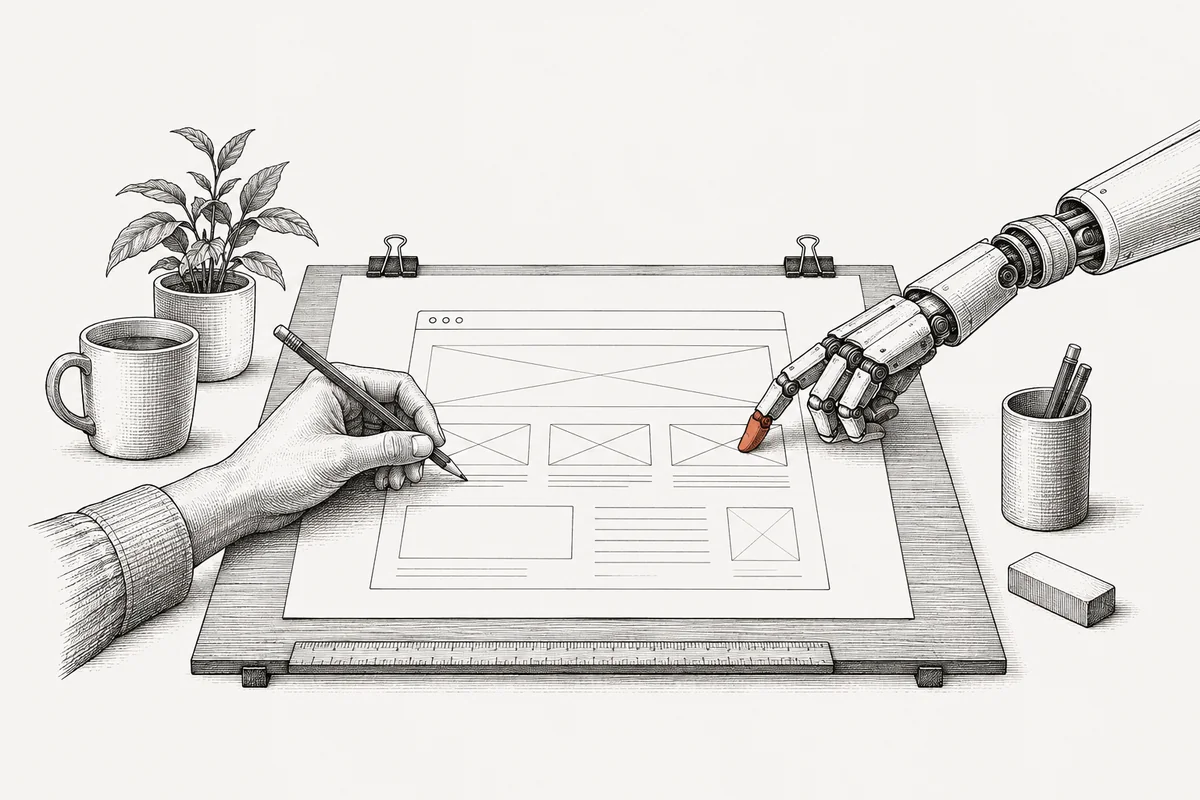
I built a real production website with AI in one weekend. I did not write a single line of code by hand. I expected the AI to be the hard part. It turned out I was. Every problem that cost me time was a human one at its core.
I think that matters more than which tool you pick. The AI took a lot of work off my hands. Deciding, checking and stopping were still my job.
Everyone talks about AI coding right now, mostly along the lines of "look, I had ChatGPT write a todo app." My website, by contrast, is a real project. It is bilingual and uses AI to adapt its content to each visitor. It has a protected chat, a database that tracks visitors, and a custom domain. It also has SEO, so Google can find it. I built it with Claude Code. That is an AI tool that doesn't just suggest text, but edits files and runs commands itself.
The website grew out of an experiment with agents
I didn't set out to build a website. On a Friday evening I had just set up KIRA. That is a personal AI agent system made of six specialized agents. Each has one role: research, strategy, content, analysis. I wanted to see how far you can push AI orchestration as a personal tool.
Along the way I read a Substack article about the agentic web. The idea is that personal AI agents represent you online. They could answer questions and handle interactions on your behalf.
That raised a question: what if my website itself were an AI agent? Instead of a static page, an AI would talk to visitors, answer their questions and adapt the content. I wanted to find out whether that works. The site shouldn't describe the technology, it should use it.
I told Claude: "I'd like to set up my own website." The answer came back: "Understood. I'll stop asking questions and start building." Three days later I had a production website. But the path from idea to launch was anything but smooth.
One weekend used 15 million tokens
This is what the build cost:
- Time: 3 days, Friday evening to Sunday night. Maybe 15 hours of actual work, spread across 4 chats with Claude Code.
- Tokens: Roughly 15 million tokens across all chats. Tokens are the unit AI usage is billed in. That's about 50 novels' worth of text, read and written.
- Cost: Around $60-80 in API usage for Claude Code on the Opus model. That's less than a freelance developer charges per hour.
- Code: ~7,000 lines across 93 files and 51 commits. A commit is a saved snapshot of the code. I didn't write a single one of those lines by hand.
- Result: A production website with features that would take a solo developer weeks to build.
15 million tokens for a personal website sounds insane. It makes sense once you see how the work actually happens. Claude reads a file and suggests a change. I say: "That's not right." Claude reads the file again and tries something else. For context, meaning what it needs to keep in mind, it reads three more files. Then it generates new code. I say: "Closer, but the mobile version looks off." Claude looks at the screenshot and adjusts. Every round like that multiplies the tokens. A single answer is cheap. The many rounds are what cost money.
Each task gets the model it needs
I didn't use the same model for everything. The website runs on three different Claude models. Opus, the biggest, built the code through Claude Code. Sonnet, the mid-tier model, powers the chat and the page personalization. Haiku, the smallest, answers single short questions.
I felt the downside more than once. Claude Code runs on Opus, and on a subscription you hit the usage limits fast. Several times I got cut off in the middle of fixing a bug. I had to wait, come back and explain the context again. Losing that flow cost me more than the tokens did.
Small bugs took several attempts
The hamburger menu. On mobile, the navigation overlay didn't cover the full screen. Content showed through behind it. That sounds simple, but the fix took three attempts. The reason is in CSS: backdrop-blur on the parent nav element creates a new containing block. That breaks fixed positioning on its children. Put simply, a blur effect on the menu stopped the overlay from filling the screen. The real fix was to make the whole nav element fullscreen whenever the menu is open. Then there is no need for a nested overlay at all. Claude only found this after I had told it several times that it still wasn't working.
The chat language. The website is bilingual. Even so, the chat kept answering in English, including on the German version. A setting called locale decides the language. It never made it from the frontend to the backend. It existed in the component, in the hook and in the API route. A hook is a small reusable piece of code. But nothing connected the three. Four files needed one line each. It's a classic integration bug: easy to miss and easy to fix.
The DNS records. I had bought the domain on Cloudflare and deployed the site on Vercel, which means putting it live. The main domain resolved right away. The www subdomain did nothing at all, for hours. It turned out that, in my case, the CNAME record took longer to propagate across the internet than the A record. I had spent 20 minutes hunting for a misconfiguration of my own that didn't exist. The right answer was simply to wait.
The admin dashboard, three times. The first version was a flat list of database entries, ugly and hard to read. The second had a better layout. But the onboarding messages showed up as raw API input: VISITOR'S NAME: Theo WHAT THEY TOLD ME ABOUT THEMSELVES: "Tester". That's exactly how they are stored in the database. The third version groups by visitor and parses everything into readable fields. In the chat messages it highlights the actual questions.
I kept looking at it and saying: "This isn't right." Claude kept rebuilding it until it was.
The AI knows my CV, but not my story
I gave Claude detailed markdown files about my career. Those are plain text files, in this case with timelines, projects, numbers and outcomes. They held everything Claude needed, and it did use them. But using facts and telling the right story are two different things.
Claude would take a real achievement and frame it wrong. It inflated a number and merged two projects into one. It claimed I had been in my current role for two years. In fact it has been less than one. And it presented something I had struggled with as a clean success. The facts were in the files. The interpretation wasn't always what I meant.
I caught most of it. Along the way I realized something: AI can write your story. But it cannot know which version of it is true to you. That takes a person who rereads every sentence and asks whether that is really what happened.
The profile photo weighed 1.4 MB
The profile photo was a 1.4 MB PNG, on a website that is supposed to be fast. Nobody noticed during development, because locally everything loads instantly. It took the SEO audit to flag it. As a WebP, the image is 26 KB at the same quality, 98% smaller. In hindsight it's obvious. While I was building, I didn't see it.
Seven things I would do differently next time
1. Define the scope before starting. The website grew bit by bit. "Let me experiment with AI agents" turned into a "full production website with admin dashboard, security hardening, and SEO optimization". That's exciting in the moment. But it meant I spent time on features I didn't need yet. An admin dashboard on day one, for a website with zero visitors? Next time I ship the core first. I add features when there is a reason.
2. Don't let the AI set the pace. Claude will happily keep building: one more feature, one more refactor, one more improvement. It doesn't know when to stop. Several times I got sidetracked because the AI suggested something and I said "sure, why not." Only later did I notice that it always costs time. Next time I write down what is in scope and what isn't, before the first prompt, meaning the first instruction I type to the AI.
3. Review content earlier and more carefully. The AI generated the website copy, meaning section titles and descriptions. I reviewed most of it. Some things still slipped through that didn't sound like me or slightly misrepresented my experience. Once content is woven into several components, it's hard to fix. It's easier to get it right in a standalone document first. Next time I write all content in a single markdown file and review it thoroughly. Only then does the AI build the UI, what people actually see, around it.
4. Plan for token limits. I hit the limit of my Claude Code subscription several times. It always happened at the worst moment: mid-bug-fix, mid-deployment, mid-security-review. When a chat gets cut off, I lose the context and have to rebuild it by hand. Next time I break the work into self-contained chats. I won't start anything that needs three hours straight when I might get cut off after one.
5. Test on mobile from the start. Every layout issue showed up on mobile: the hamburger menu, the centered profile photo, the text overflow. Yet I was building on a laptop and looking at laptop screens. Next time I check the mobile view after every visual change, not at the end.
6. Separate the models earlier. Using three Claude models for different tasks was the right call. Opus does the code, Sonnet the chat, Haiku the quick questions. But I got there by trial and error. The cost difference is massive. Next time I decide how to split the models upfront, as part of the architecture.
7. Don't trust the AI's version of your story. For me this is the most important point. AI is excellent at producing text that sounds right. It is bad at knowing whether the text is true to your experience. So every piece of content about me needed a careful read for facts. Did I actually do that? Was it really that many? Is that how it happened? Next time I treat AI-written content about me like a first draft from a ghostwriter. They did good research, but they weren't there.
AI writes code fast, but it doesn't stop
What AI is good at:
- Writing boilerplate code fast, meaning standard code like API routes, database schemas and metadata. It's done in seconds.
- Knowing the details of a framework. The site runs on Next.js 16. "How does Next.js 16 handle metadata for client components?" Claude just knows.
- Doing tedious refactors. Changing
x-forwarded-fortox-real-ipacross 7 API routes took a single prompt. - Security reviews. The AI found timing-safe comparison issues, a subtle bug in how values are compared. It also found IP spoofing vectors I wouldn't have thought of.
- Not getting tired. At hour 6, the AI is as sharp as at hour 1. I'm not.
What AI is not good at:
- Noticing when something looks wrong. For every layout issue, I was the one looking at a screenshot and saying: "That's off."
- Making content decisions. "Should this be a story or a list?" "Is this too self-congratulatory?" "Does this sound like LinkedIn-speak?" I made all of those calls.
- Stopping. AI keeps adding features, improving code and refactoring. It doesn't know when to ship, but I do.
Bottom line
The website is live at adrianfoehl.com. It has AI personalization, a protected chat, bilingual content, database tracking and an admin dashboard. It also includes SEO optimization and security hardening. It took 15 million tokens, ~7,000 lines of code, 51 commits and one weekend. I wrote zero lines by hand.
What I mostly learned was something else: the technology never fails because of the technology. The hamburger menu broke because of a CSS rule about containing blocks. The chat spoke the wrong language because a parameter was missing. The DNS didn't work because the records still had to propagate. The admin dashboard was ugly because nobody had asked what the user actually needs to see there.
In the end, every one of these problems was a human one. It was about understanding what users need and knowing what to build. It was about decisions the AI can't make, and about taste. AI helped me build faster. What to build, when to stop and whether the result is actually good remained entirely my responsibility.
So the hard part was not the AI, but my own decisions. No model could take that work off my hands.
On your last AI project, what took more time, the code or the decisions? And who decides when it's done?